

Manage Subnet
An instance can communicate with instances on the same Virtual Private Cloud (subnet) network, using the VM's internal IPv4 address. Administrators can manage subnet networks, such as creating a subnet network for an organization and deleting the networks.
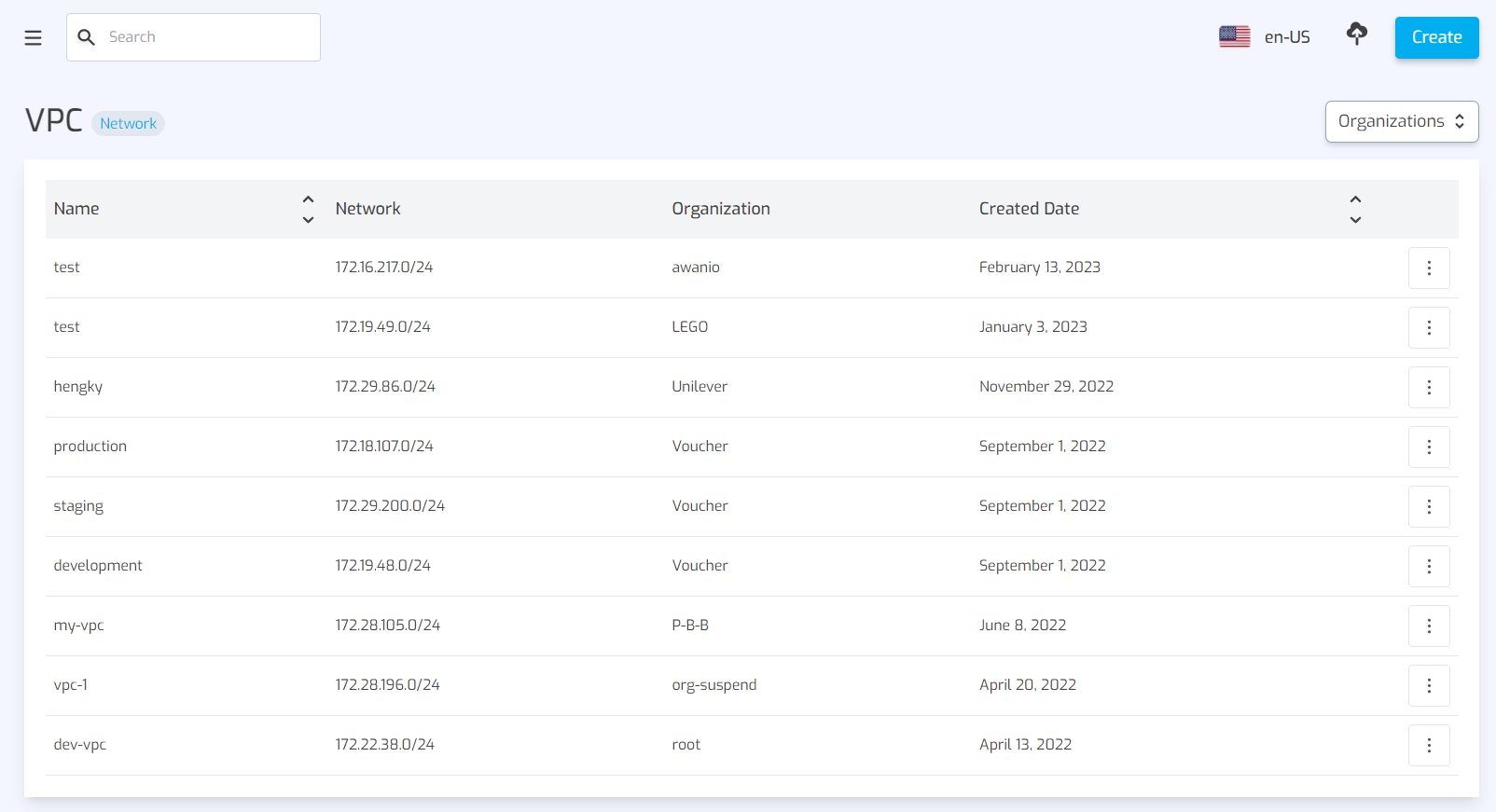
Create subnet
To create a subnet network, complete these steps:
- Click Create button on the top right of the subnet page.
- Select the organization where you want to apply this subnet, size (20 or 24), and give it a name.
- Click Create in the dialog to save data.
Delete subnet
subnet can only be deleted if it is not being used. To do so, complete these steps:
- Find the subnet you want to delete on the subnet page.
- Click the action button on the right, then choose Delete.
- Confirm your action.